
I get an error
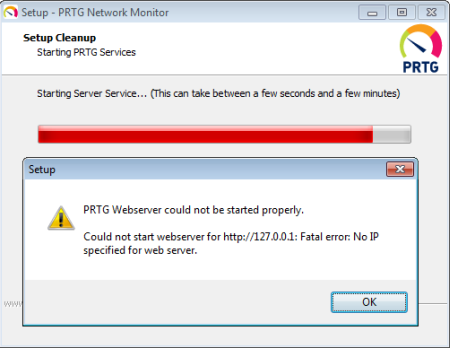
PRTG Webserver could not be started properly. Could not start webserver for http://127.0.0.1: Fatal error: No IP specified for web server.
What can I do?
Modified on 2025-06-10 11:38:24 +0200
Attention: This article is a record of a conversation with the Paessler support team. The information in this conversation is not updated to preserve the historical record. As a result, some of the information or recommendations in this conversation might be out of date.
I get an error
PRTG Webserver could not be started properly. Could not start webserver for http://127.0.0.1: Fatal error: No IP specified for web server.
What can I do?

There is probably an issue with the network card on your system (for example, there does not exist one).
On the system where you installed PRTG, please open the PRTG Server Administrator tool from the Windows start menu. In the Web Server tab, set the web server settings to use Port 80 and Localhost IP 127.0.0.1. Leave the program with Ok and confirm (re-)start of Windows services.
Then open a browser on the same system (Google Chrome or Mozilla Firefox) and open the URL 127.0.0.1. You should now be able to access the PRTG web interface locally.
Dec, 2011 - Permalink